Soan Papdi
FPGA
A beginner-friendly FPGA dev board designed for learning.
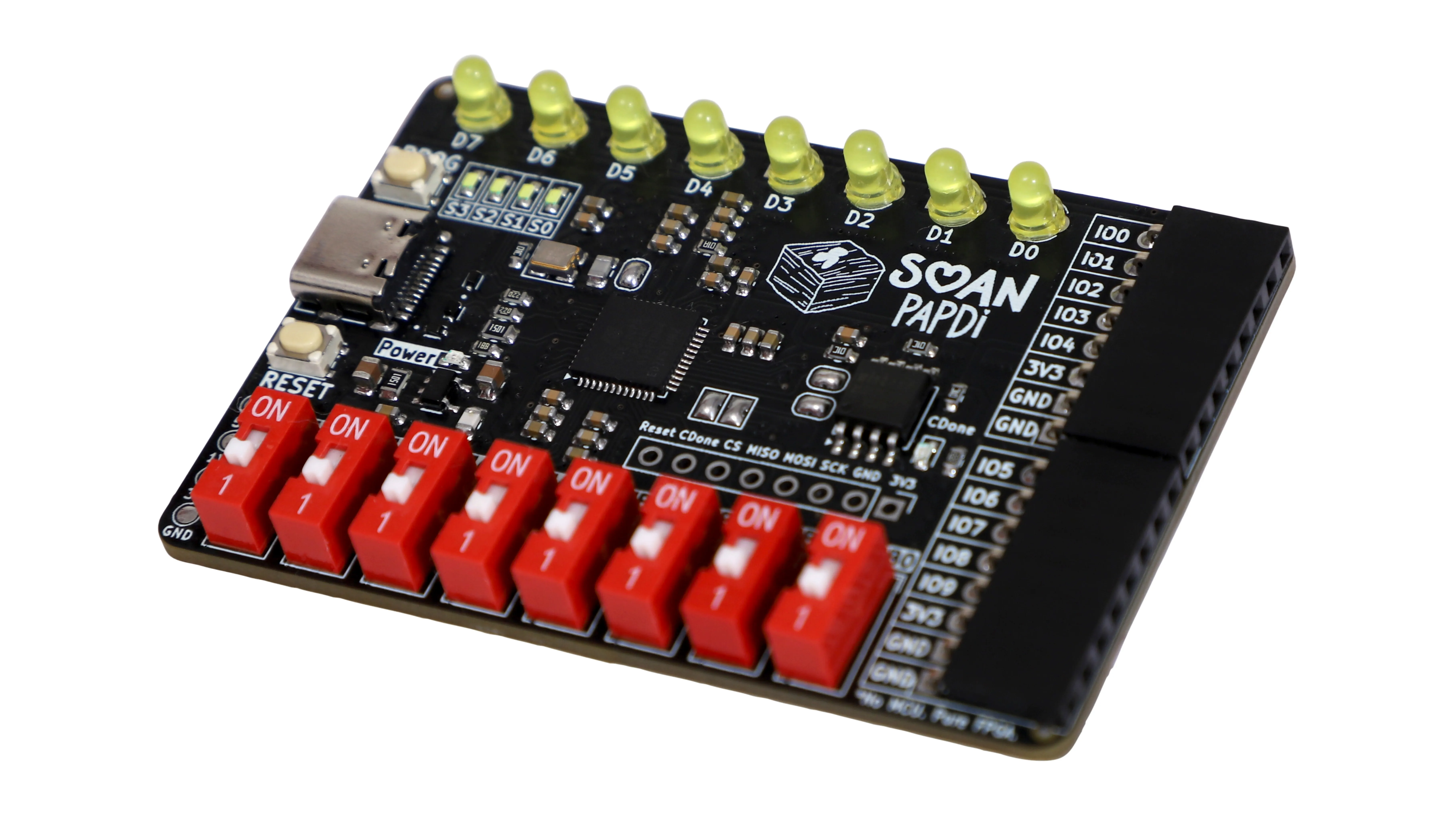
Most FPGA boards assume you already know FPGAs.
Soan Papdi doesn't.
Your first FPGA shouldn't feel like an exam.It should feel like “Hey, I made that!”
See it in action
Program visually with iCE Studio. Connect blocks, build your circuit, and deploy it directly to Soan Papdi.
Hardware Details
Explore the Board
Drag to rotate • Scroll to zoom
Technical Specifications
(capable of hosting RISC-V)
- • 8 × Yellow 3.0 mm through-hole LEDs (D7–D0)
- • 4 × White 0603 SMD status LEDs (S3–S0)
- • 8 × DIP switches with orange indicator LEDs
- • 2 × Push buttons (Program & Reset)
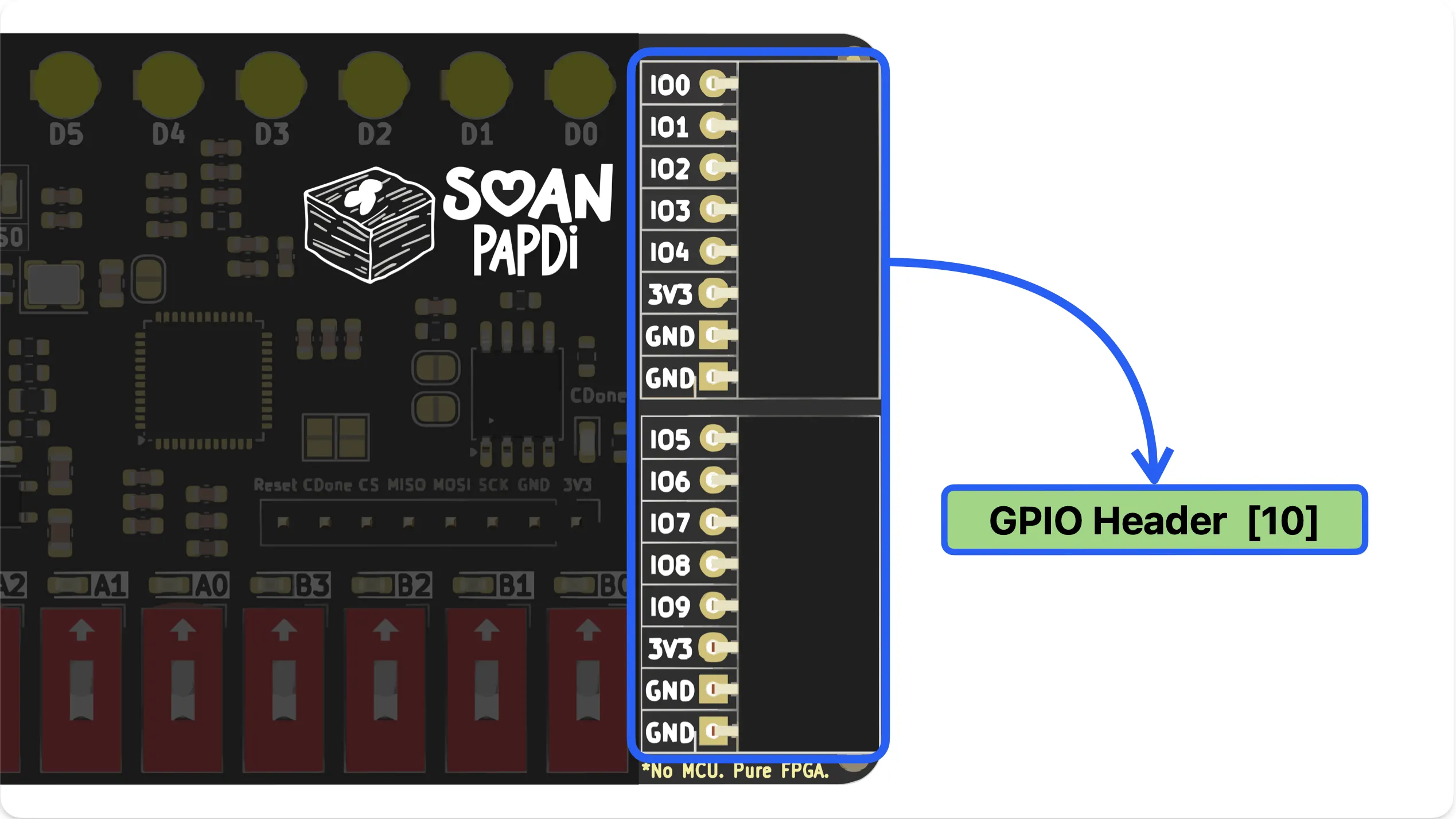
- • 10 × GPIO pins for external sensors & peripherals
- • iCE Studio
- • APIO
- • Yosys
- • nextpnr
- • IceStorm
- • Icarus Verilog
- • Amaranth HDL
Less wiring. More building.
No breadboard maze. Built-in LEDs, switches, buttons, and GPIO mean you can start building right away.
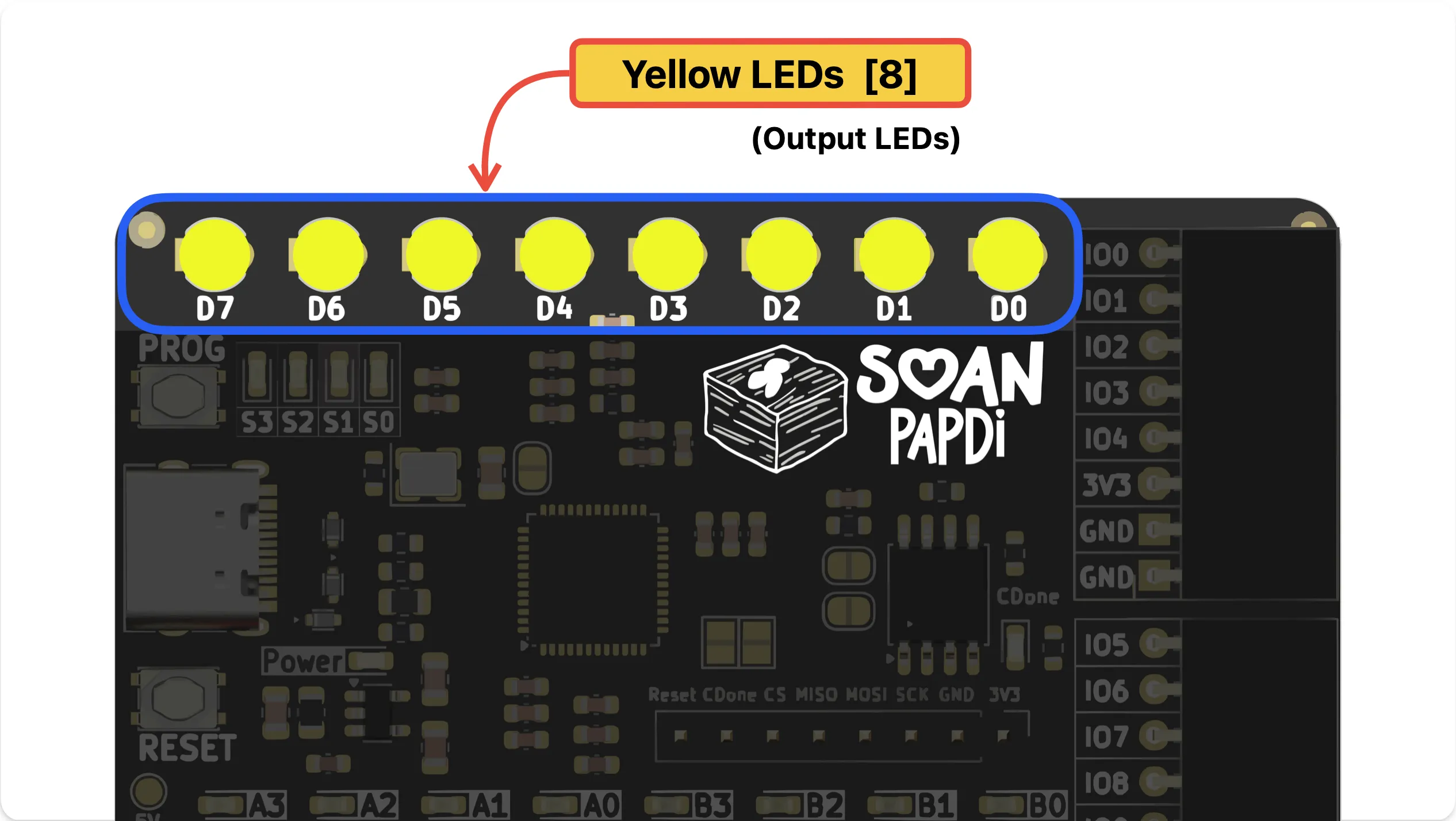
8x Output LEDs
See your logic in action. 8 bright yellow LEDs (D7–D0) make it easy to visualize counters, state machines, and 8-bit data.
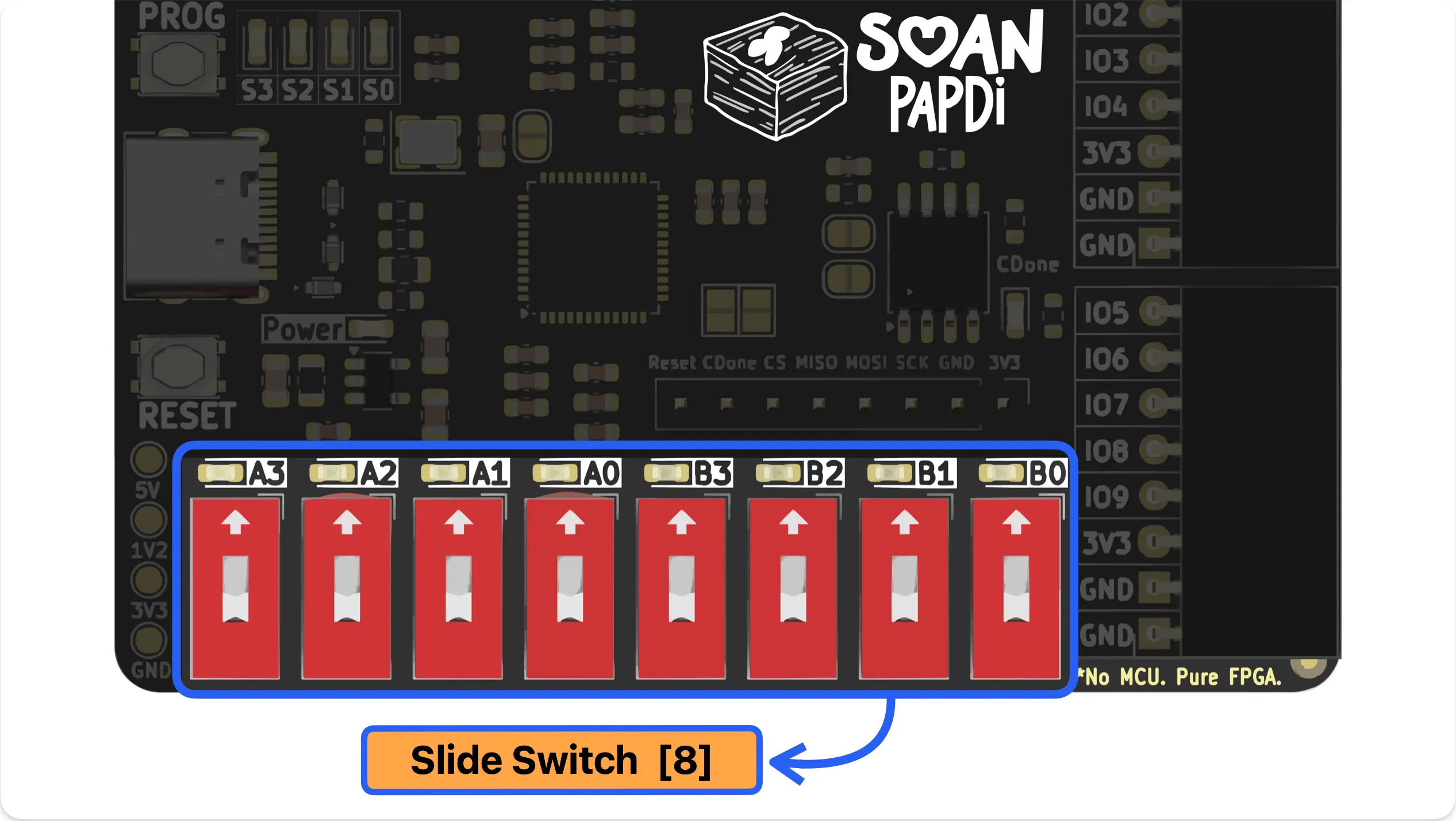
8x Input Switches
Input two 4-bit numbers directly into your circuit. Add, subtract, and instantly see the result on the LEDs.
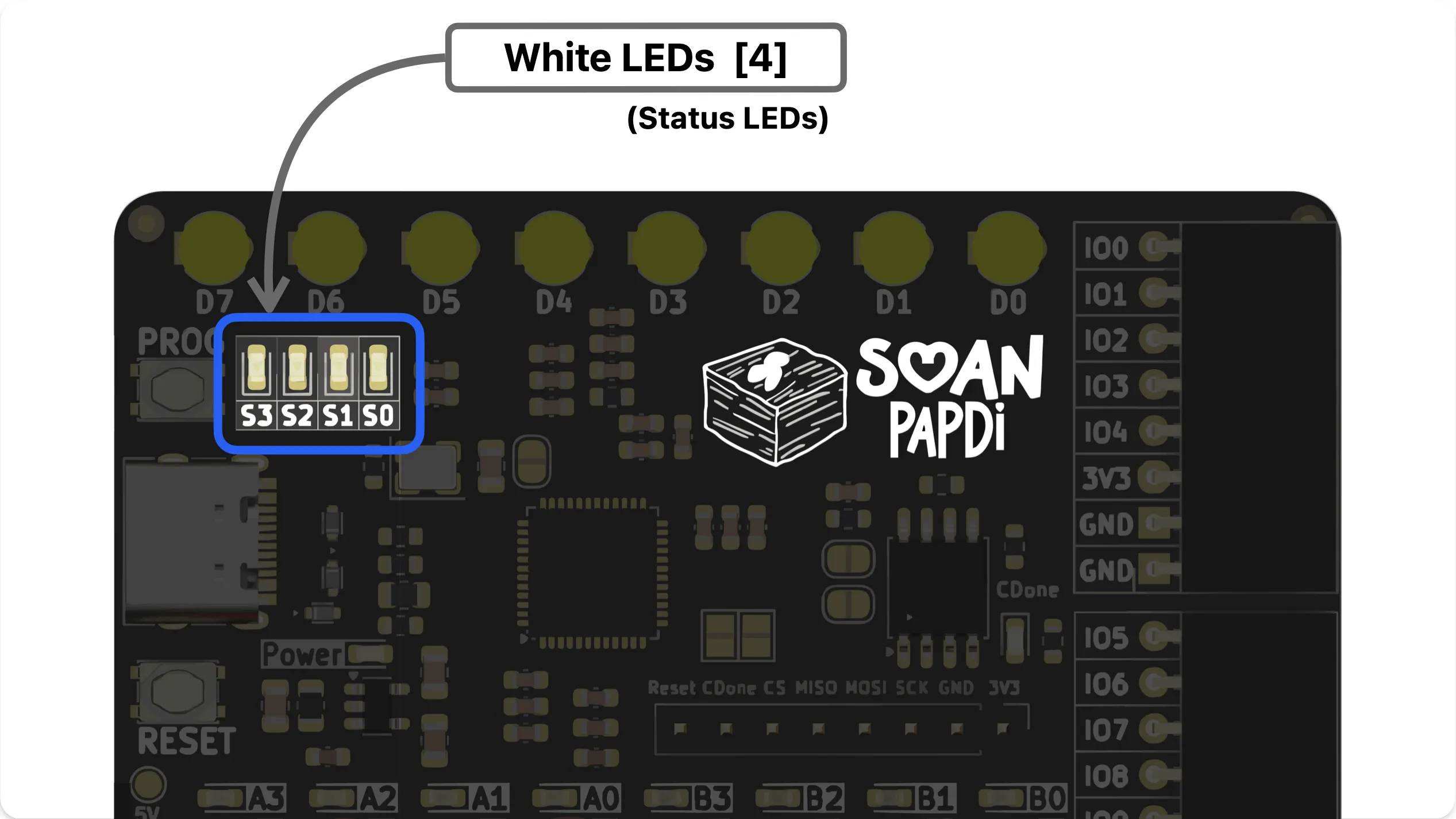
4x Status LEDs
Monitor signals like carry and overflow with 4 white SMD LEDs (S3–S0).
10x GPIO Headers
Go beyond the basics. Connect sensors, displays, motors, and custom hardware to extend Soan Papdi.
Start Building Instantly
Documentation
Start with our step-by-step Getting Started Guide from unboxing Soan Papdi to deploying your first digital circuit.
Read the Getting Started Guide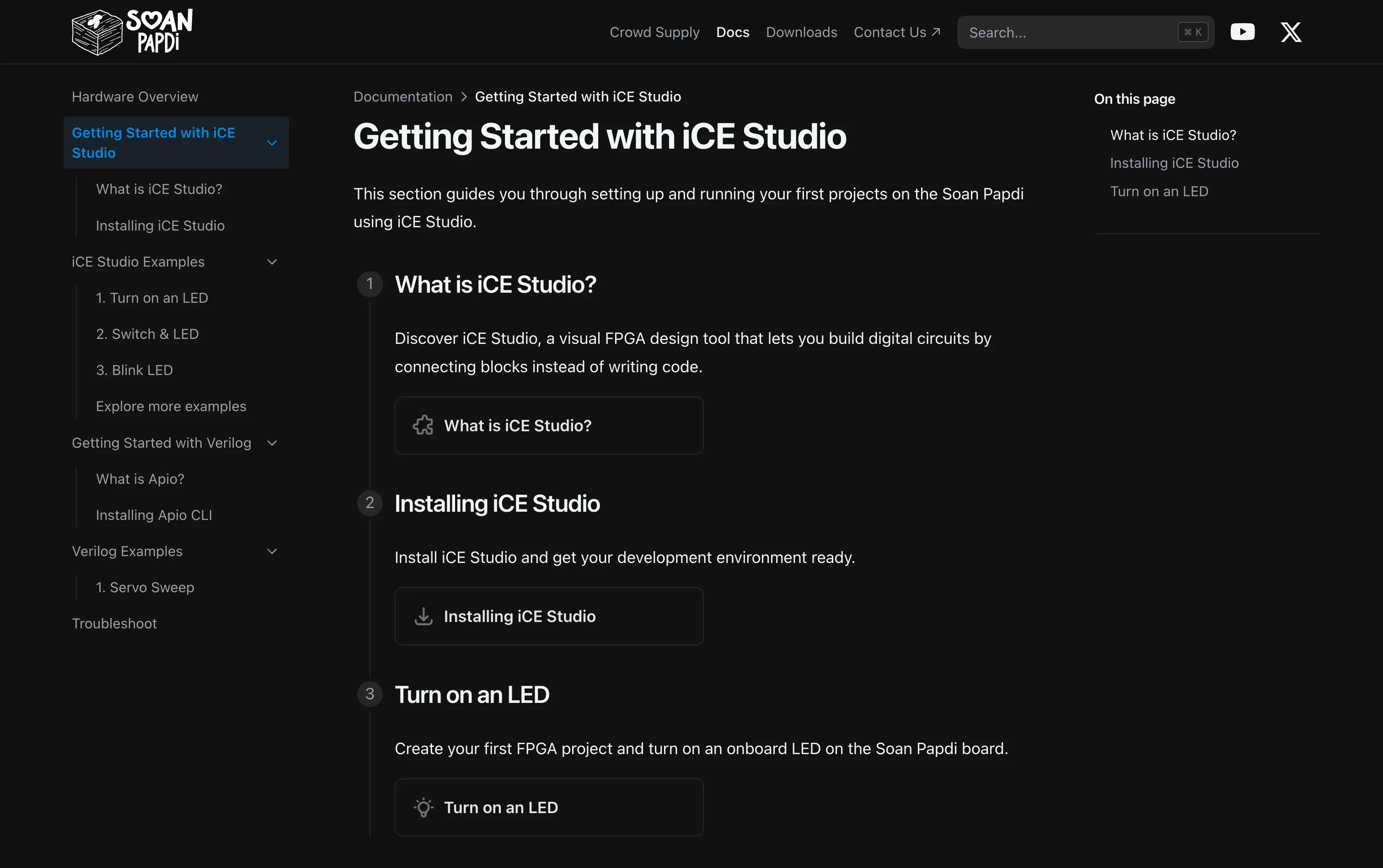
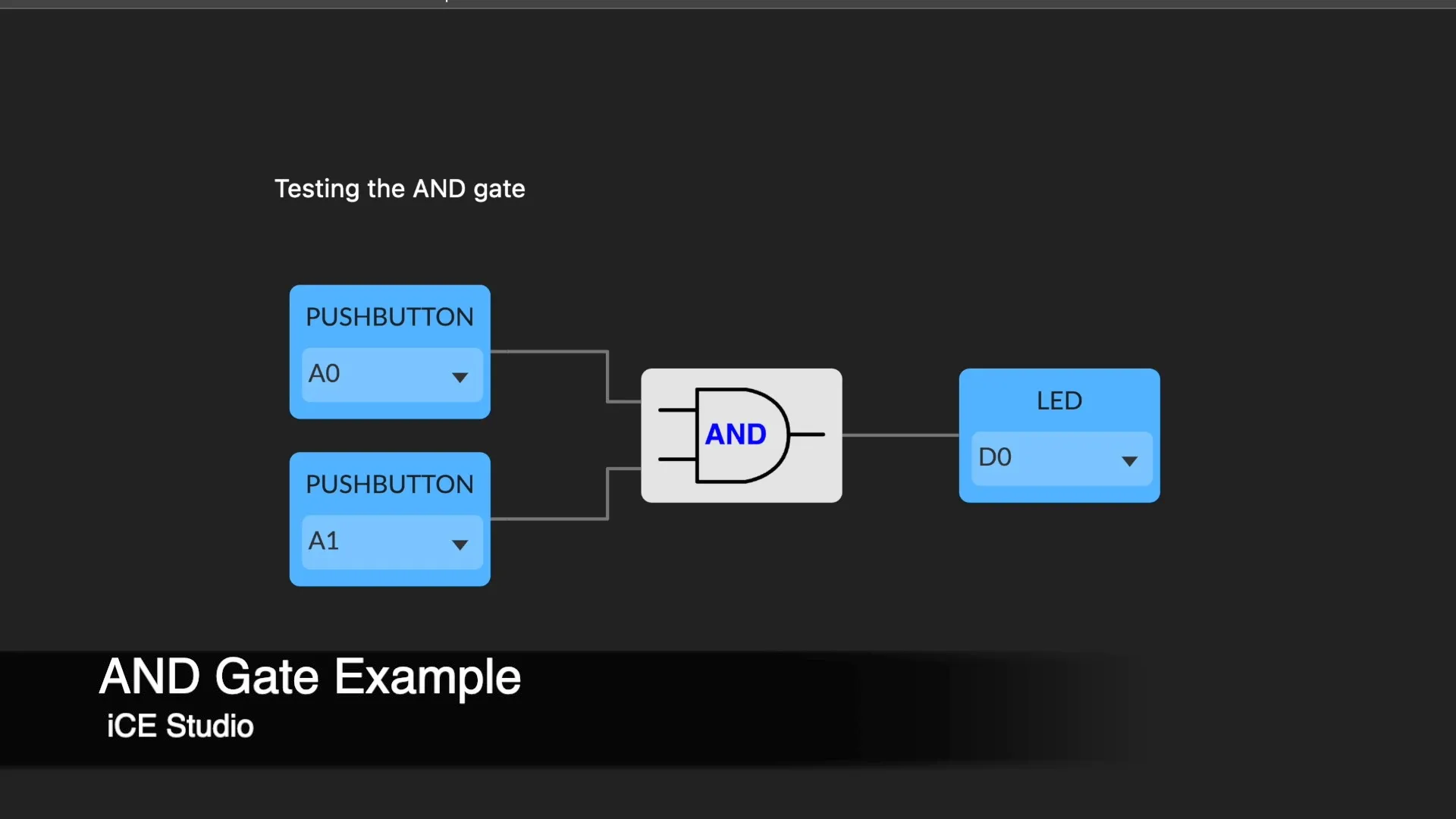
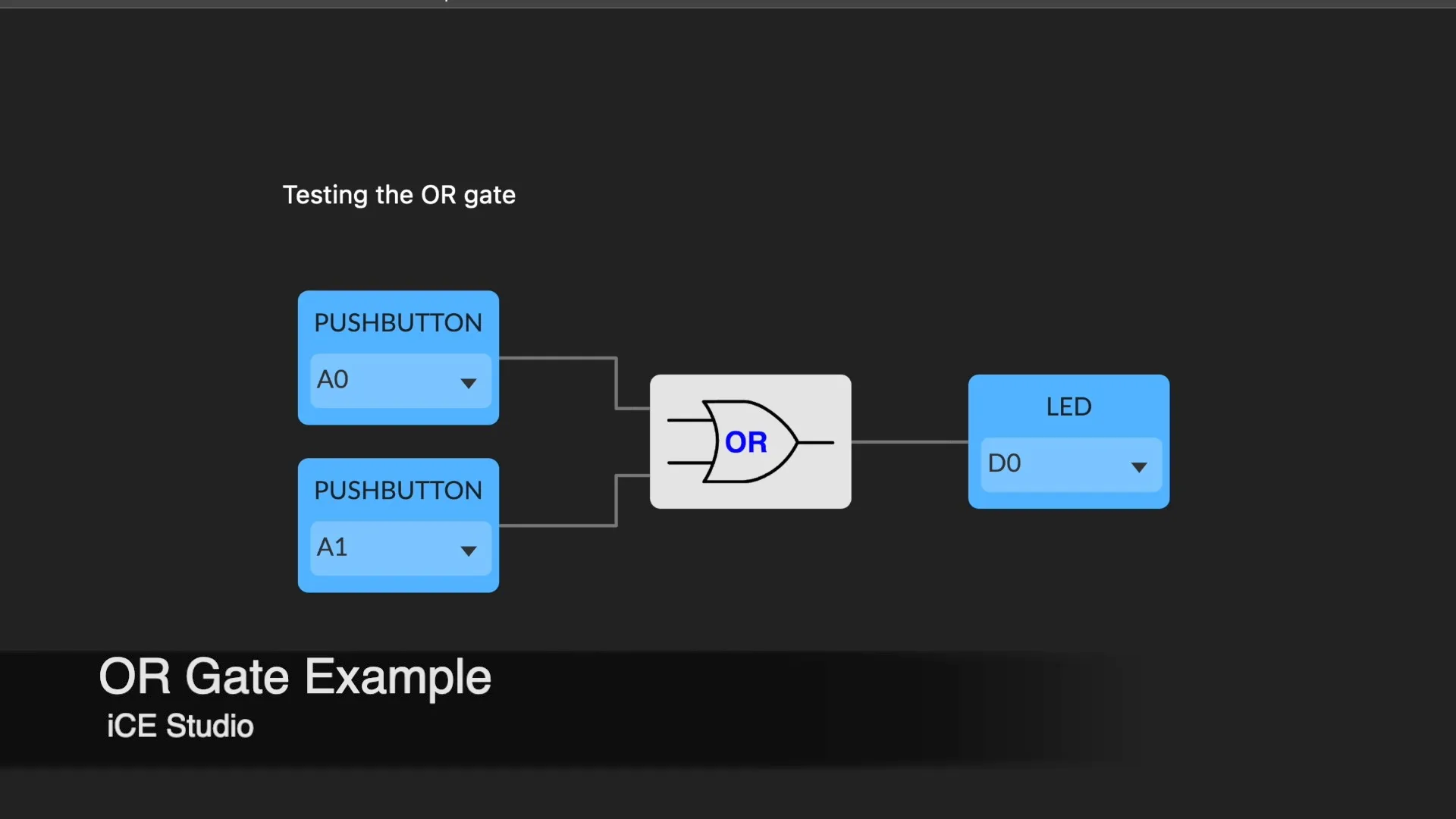
Start simple — build basic gates like AND, OR, or a decoder.
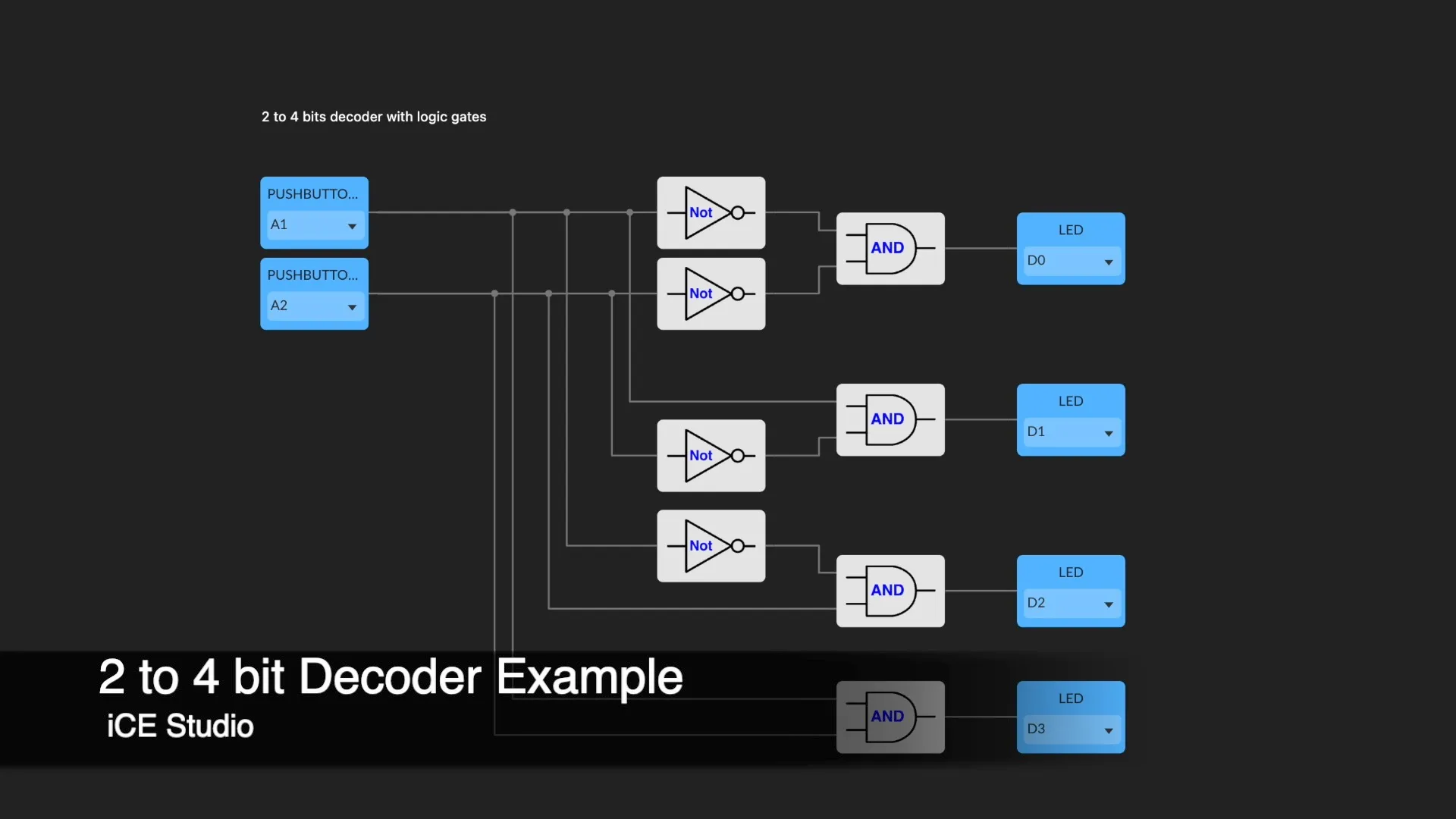
Once you’re comfortable with the basics, the iCE40UP5K is powerful enough to host entire soft-core processors. Move on to these advanced open-source projects:
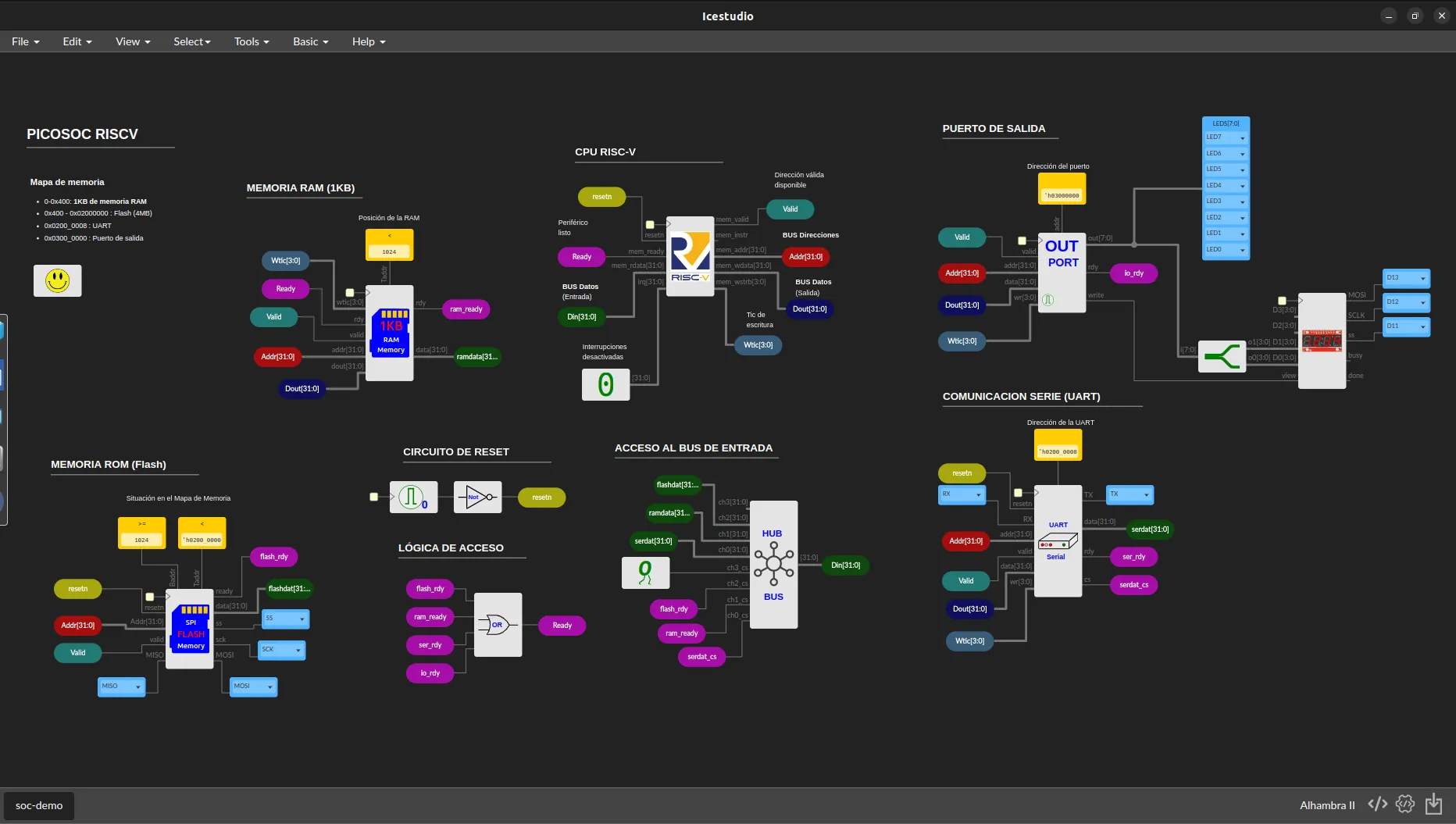
RISC-V CPU
Build and run a complete RISC-V processor on your FPGA.
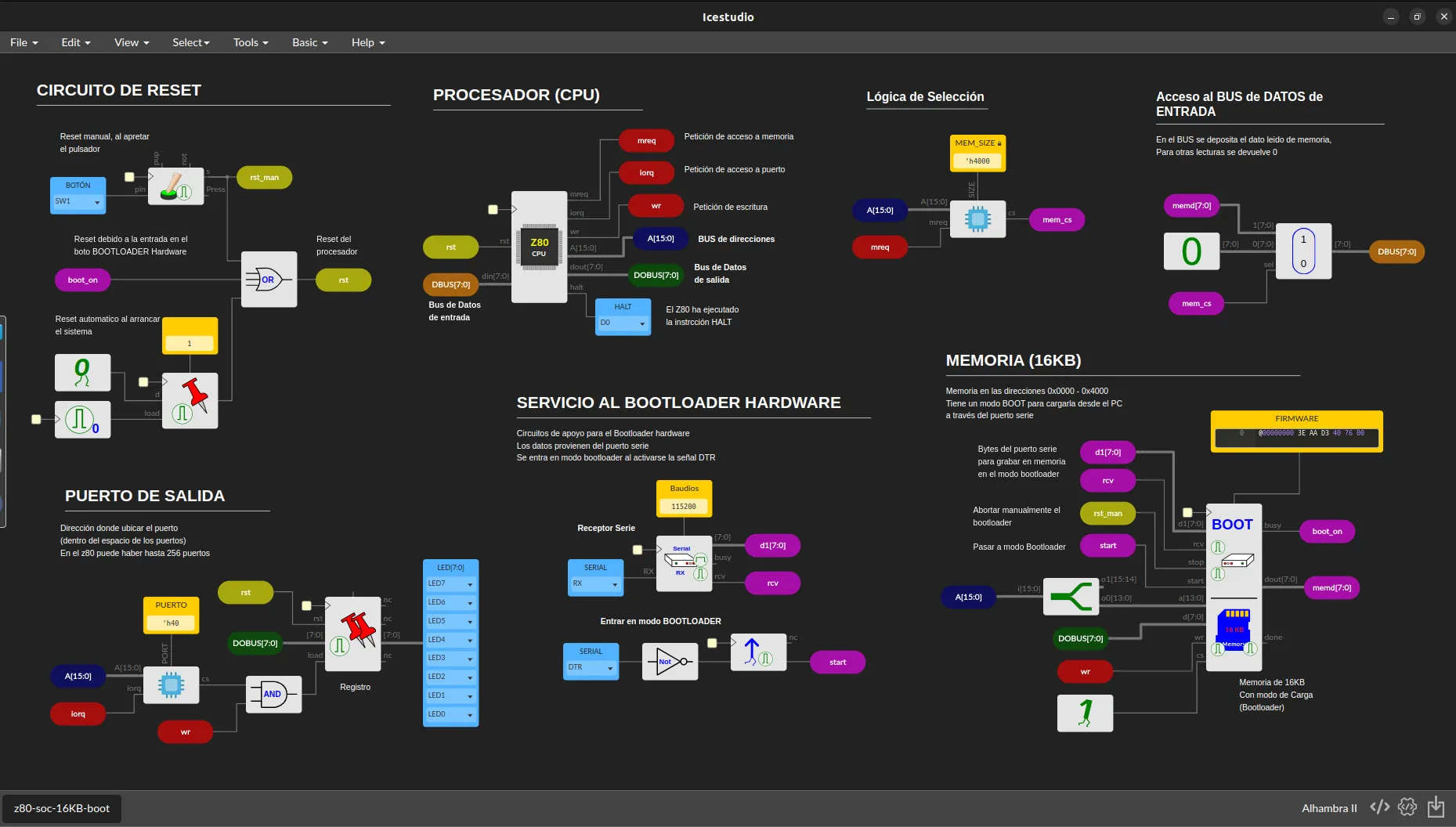
Z80 CPU
Recreate the classic Z80 microprocessor using open-source tools.
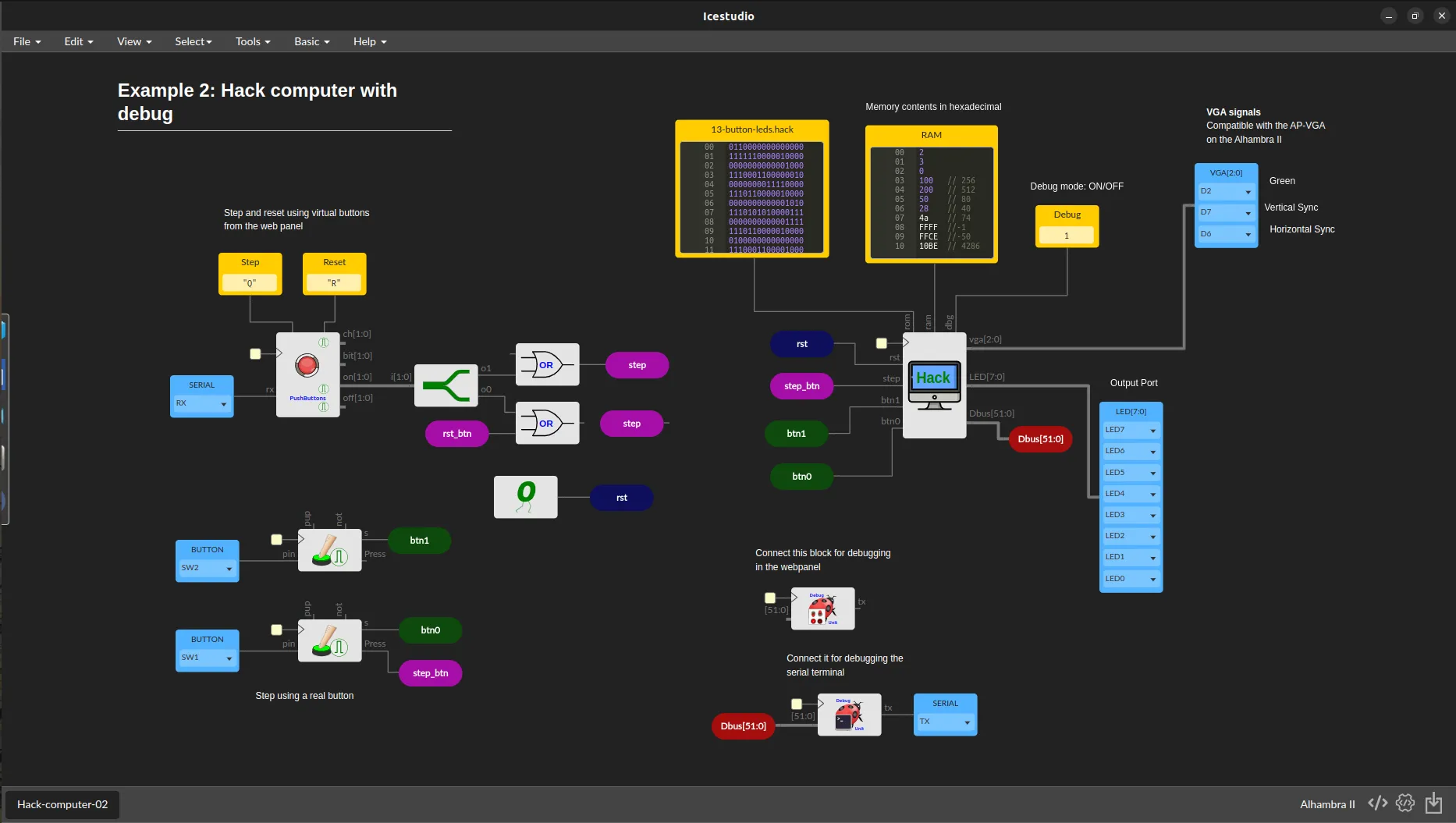
Hack CPU
Implement the famous Nand2Tetris Hack CPU, built gate by gate.
The Team
Hardik & Lakshya created and built Soan Papdi from the ground up, turning an idea proposed by Piyush into a fully realized FPGA development board.



FAQ
Q: Do I need to know Verilog or VHDL?
Not at all! Soan Papdi is fully supported by iCEStudio, allowing you to build digital circuits visually using blocks. You can learn HDL later if you want to.
Q: What operating systems are supported?
The toolchain works on Windows, macOS, and Linux.
Q: Is the hardware open-source?
Yes! The schematics, design files, and documentation will be fully open-source and available to the community.
Q: Who is this board for?
Students learning digital design, hobbyists transitioning from microcontrollers, educators running labs, and makers.
Ready to start your FPGA journey?
Join the students, makers, and engineers taking the pain out of digital design. Back our campaign on Crowd Supply today.